
 Member Onboarding
Welcome to Clear Creek Fitness — Member Onboarding
Welcome to Clear Creek Fitness. Here is how to get inside — takes about 2 minutes.
- 2 min setup
- 24/7 member access
- Phone unlocks the door
Get the App
01
Download the GymMaster app
Grab it from your phone's app store. It's free.


Or search "GymMaster Member" in the App Store or Google Play.
Sign In
02
Log into the app
Use the same email and password you used when you purchased your membership.
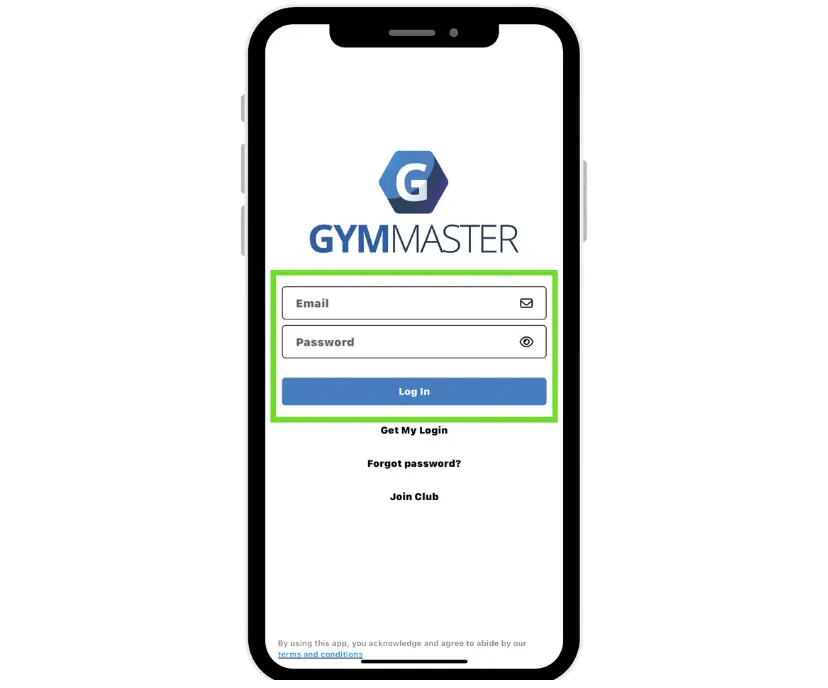
Tip — Forgot your password? Tap "Forgot Password" on the login screen.
Use the same email and password you used at signup.
Walk Inside
03
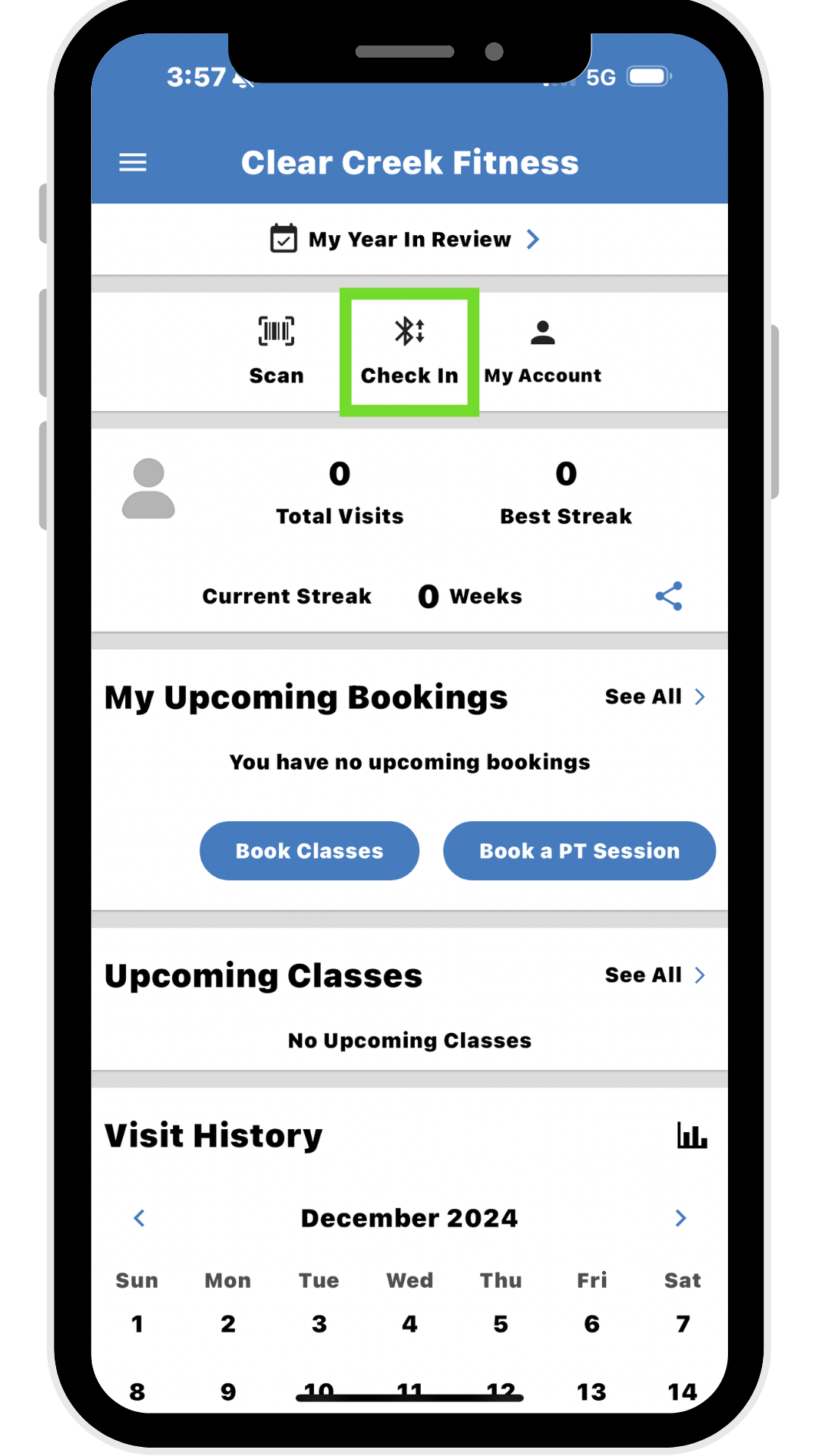
Tap Check In at the door
Stand next to the door reader, open the app, and tap Check In. The door will unlock.
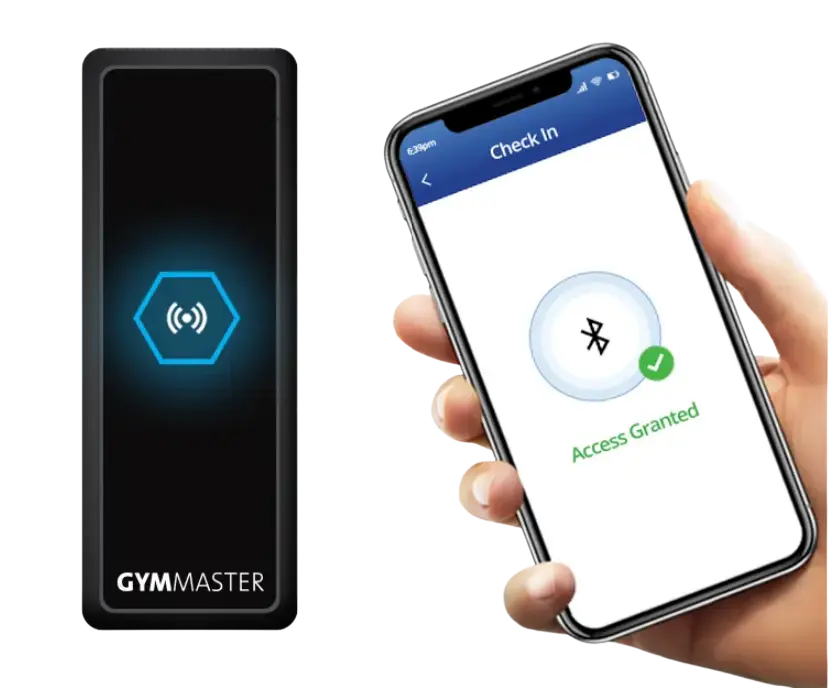
Door unlocks.
Remember
Repeat Steps 2 & 3 every time you visit.
Need Help?
We've got you. Pick whatever's easiest.
Clear Creek Fitness6234 Hwy 18, Puckett, MS 39042Open 24/7
Get Directions →